Rethinking how information reaches you
A few notes at the end of the day. A clear plan beside your desk the next morning. Meet the Portal worker that helps turn what you send into something useful at a glance.
Imagine sitting down at your desk tomorrow morning. Beside your coffee is a small e-ink display with the three things you wanted to do first. You can start with the first one before opening the inbox. The plan is already there, in the place where you need it.
The evening before, those three things were scattered across a meeting note, a message, and a few lines you wrote to yourself. You knew what mattered. Getting it into a form you would actually see tomorrow was the extra job left at the end of the day.
That small gap is what we have been working on in inklet Portal. The new Portal worker takes the material you send, reads what you want to do with it, and prepares a frame for your display. It handles the work between having something worth remembering and giving it a place in the room.
Start with what you already have
At the end of the afternoon, you gather the notes for tomorrow and send them through Portal. They can still look like notes: a little context from the meeting, a reminder to follow up with someone, the task you did not get to finish. Add a short instruction: "Make a short list of tomorrow's priorities for my desk."
You do not need to turn that material into a finished design first. Your part is to provide the information and say what would make it useful. The worker reads the brief and uses that intent to guide the presentation.
Give the important parts room
A meeting note is written to preserve a conversation. A plan beside your desk has a different job: help you see what to do next. It needs a clear order, readable type, and enough space for each task to stand on its own.
The worker chooses an available layout suited to your content and the display, then prepares the frame for e-ink. For your morning plan, that means arranging the priorities into a list you can read at a glance. You can keep your attention on what the list should say while Portal takes care of how it fits on the screen.
The useful moment comes tomorrow, when you look up and know where to begin.
Know where your note has gone
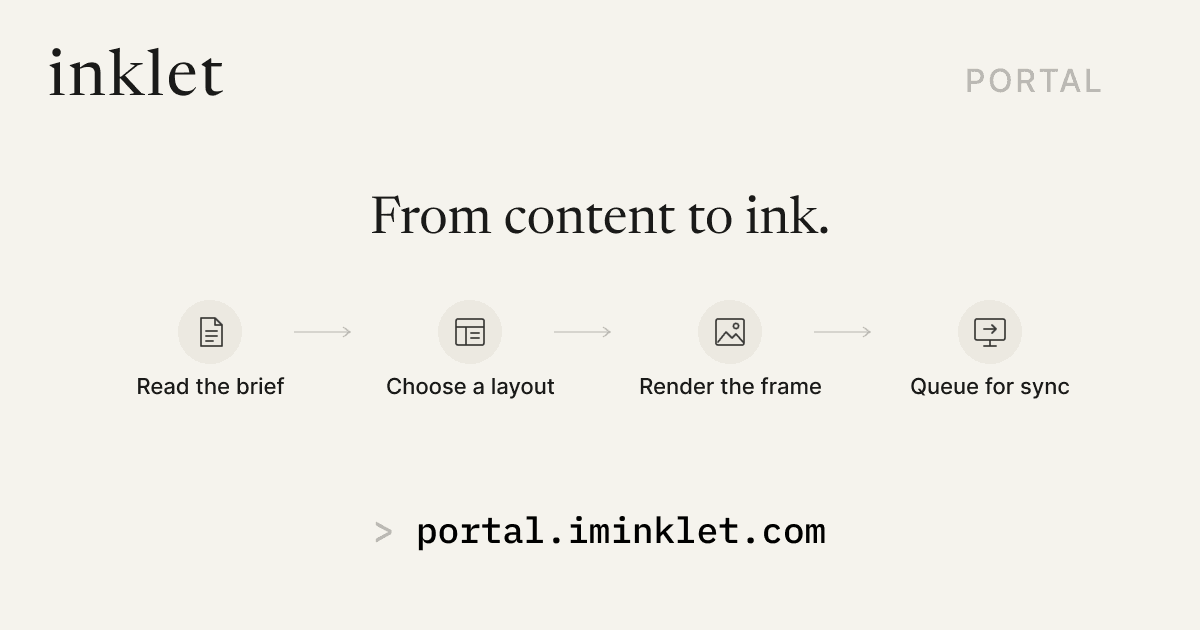
After sending the plan, you can follow its progress in Portal. The timeline shows the content being prepared, the layout being chosen, the image being rendered, and the frame being queued for the display's next sync.
That distinction is useful when you glance at the display and still see yesterday's page. A finished image may be waiting for the device to wake and sync. Portal makes that wait visible, so you can tell whether your content is still being prepared or is ready for the screen. You have a clearer answer to a simple question: what happened to the thing I just sent?
Close the laptop with tomorrow in place
Once the display syncs, the plan has somewhere to stay. In the morning, you can see it without retracing yesterday's tabs or remembering which app held the note. The same idea can bring a recipe to the kitchen counter or a few reminders to the hallway. The value comes from having the information where you will use it.
Our hardware is still in development. This is the everyday experience we are building toward, and the new Portal worker is part of making it possible: less preparation between the information you already have and a page that belongs in your day.
Think of one thing you would like to see when you sit down tomorrow. A short plan, a useful reminder, an idea worth keeping in view. That is where the story starts.