Software
inklet Portal
Send a note, a link, a picture, or a PDF from the browser, your Mac, or any app. inklet keeps all of it, turns what you choose into cards for the right panel, and answers questions about everything you saved.
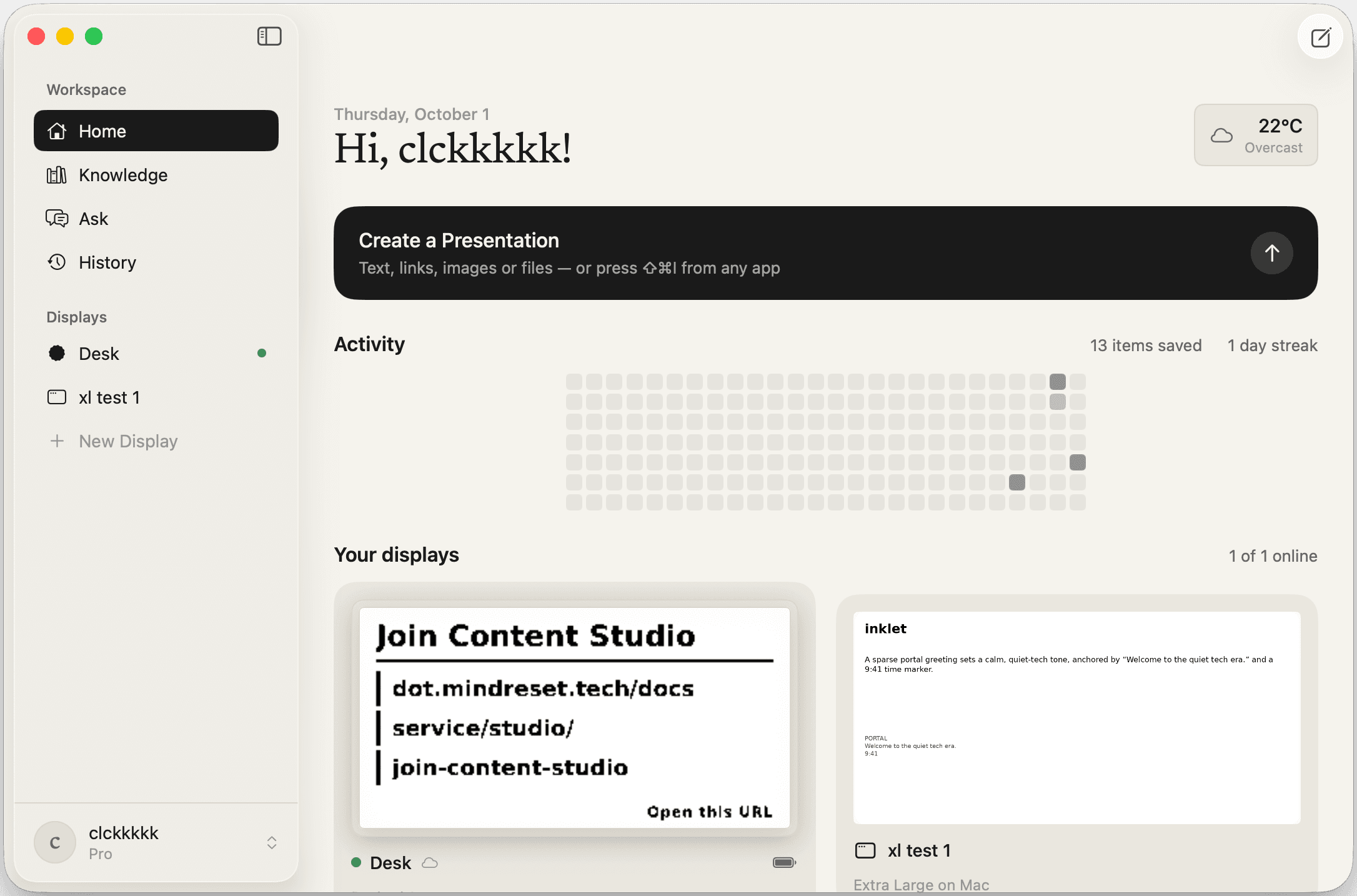
Your displays, orchestrated.
Send from anywhere
The browser, the Mac app, or ⇧⌘I in any other app on your Mac.
The right card, the right panel
inklet lays it out and picks the display — or you name one.
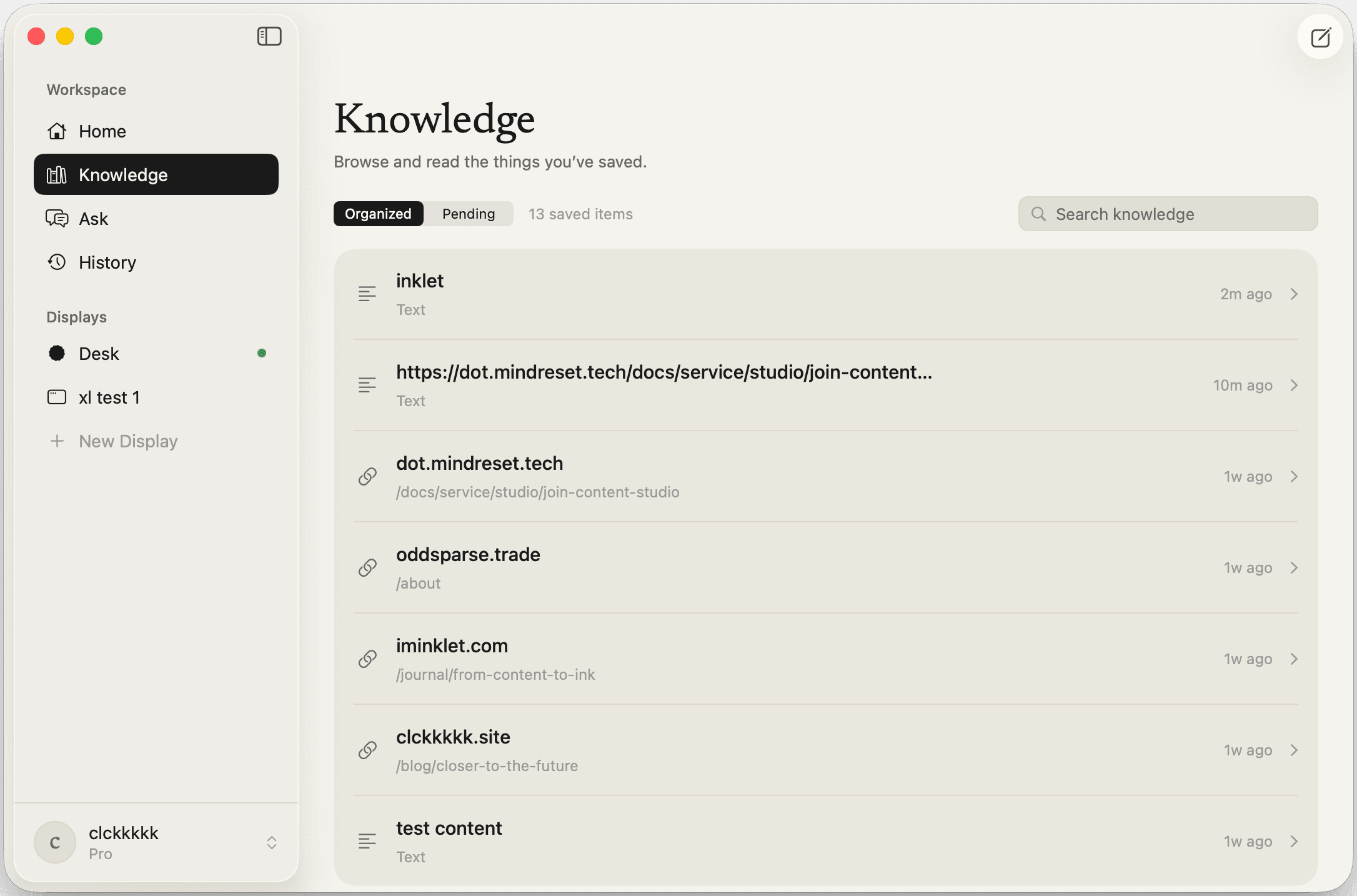
Nothing gets lost
Knowledge keeps every note, link, picture, and PDF, and searches all of it.
Ask what you saved
A conversation with your Knowledge, in the browser and on the Mac. Part of Pro.
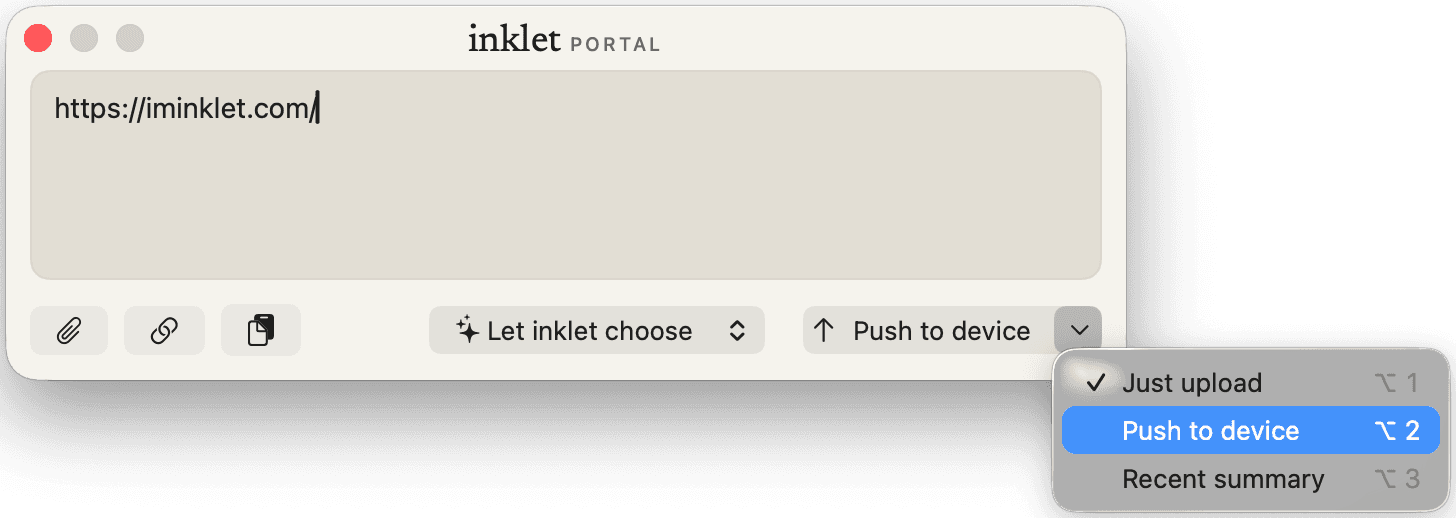
Compose
Say what should happen to it
Write a note, paste a link, or drop a picture or a PDF, then pick what happens: Just upload keeps it in Knowledge, Push to device makes a card, and Recent summary folds in your last seven days. Press ⇧⌘I in any app and the composer opens with your page or selection already offered.
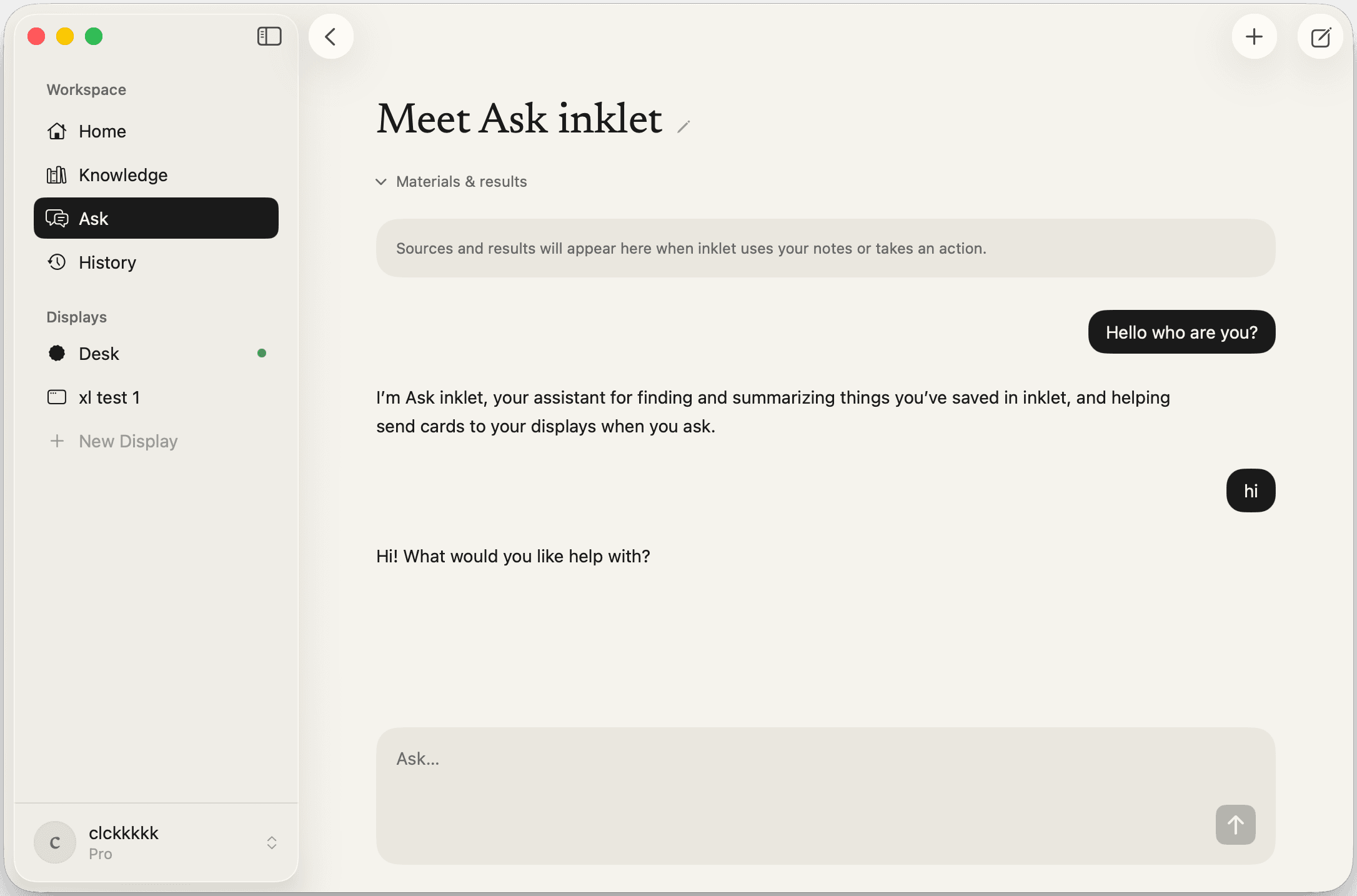
Inside the app
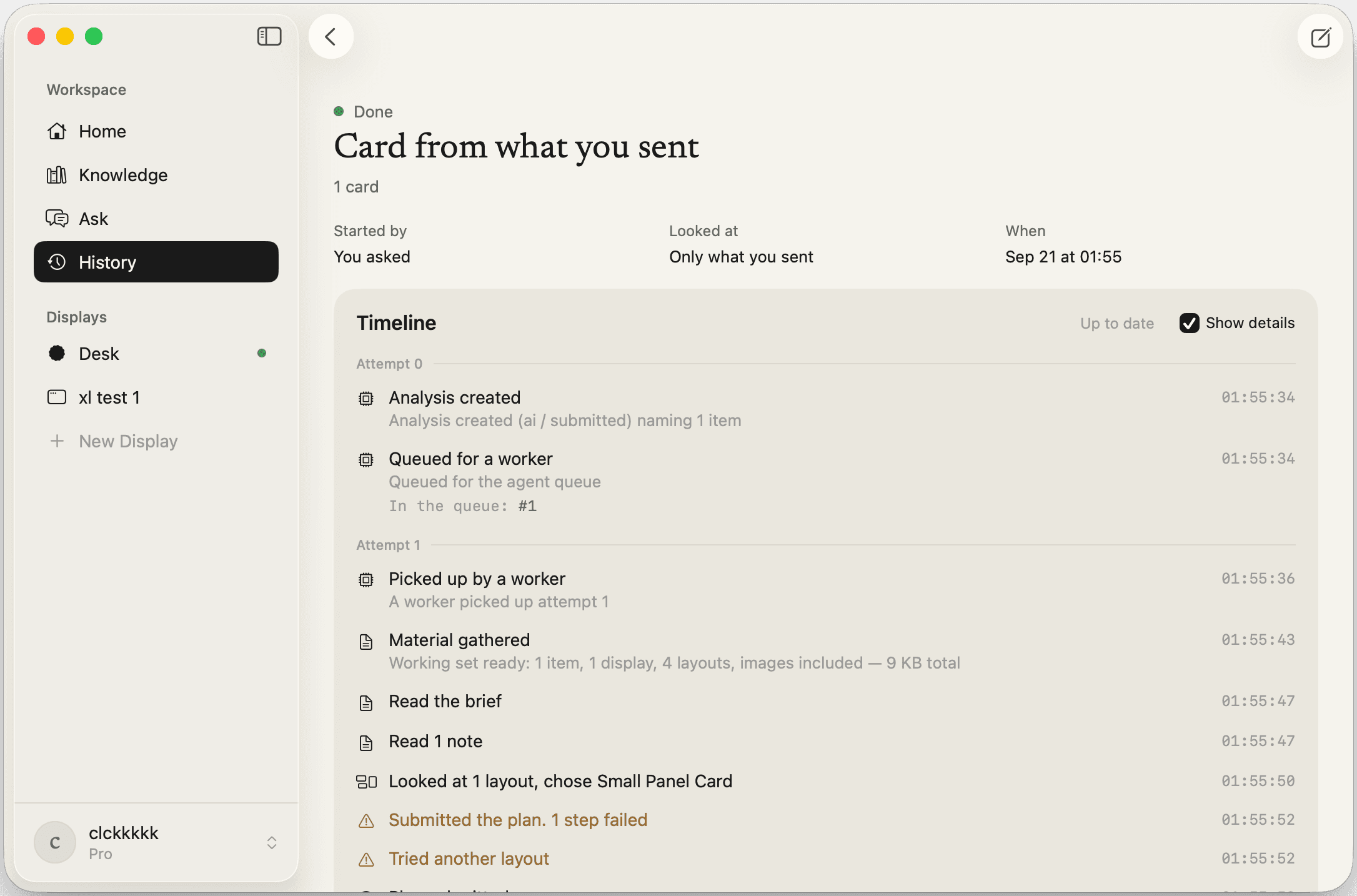
One window for all of it.
Ask about anything you saved. The answer arrives as it is written, with the notes it drew on, and inklet only makes a card when you ask. Part of Pro.
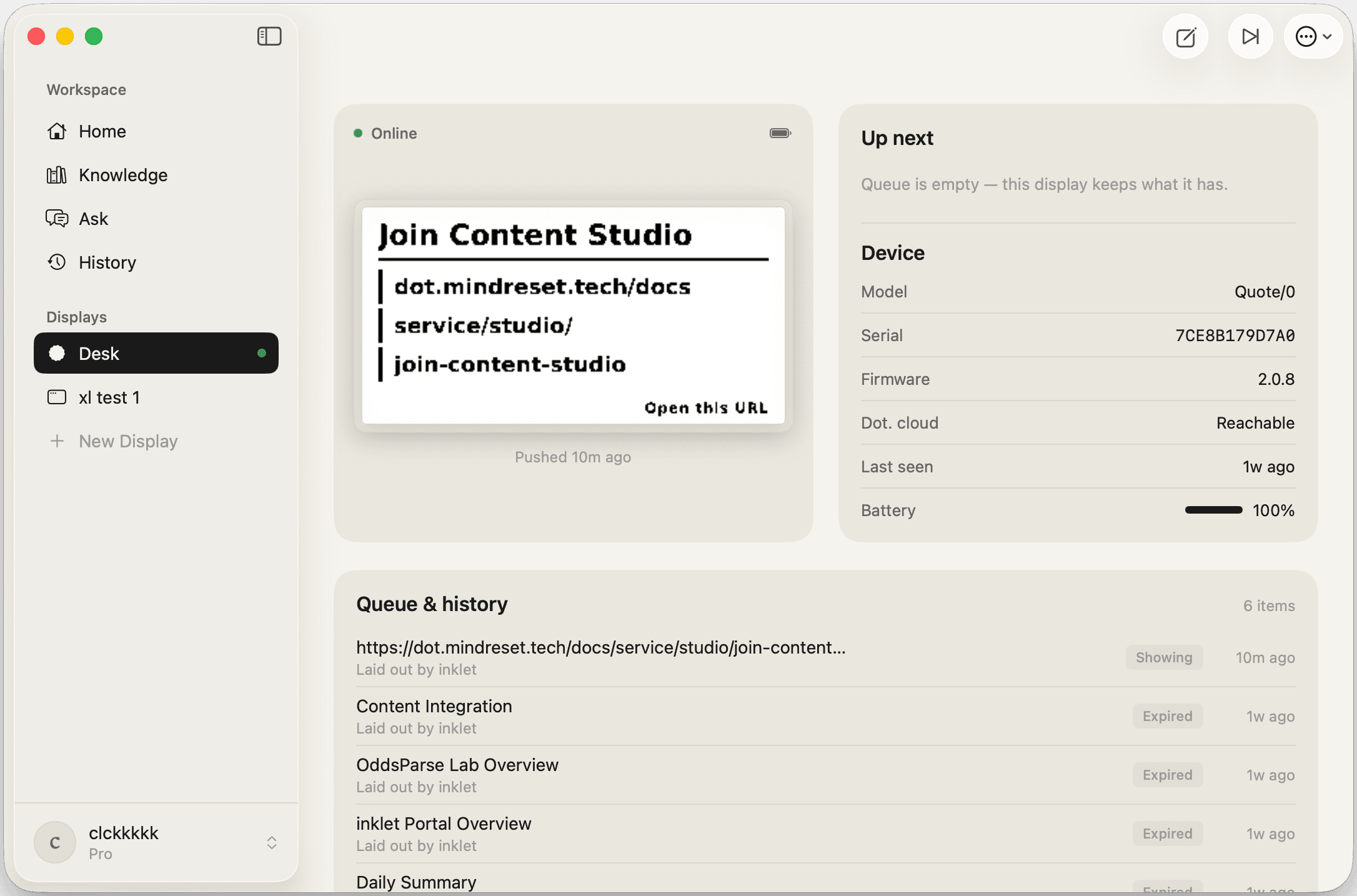
Displays
Three kinds of display.
Add any of them from New Display in the Mac app, then send to it from the composer like any other display.
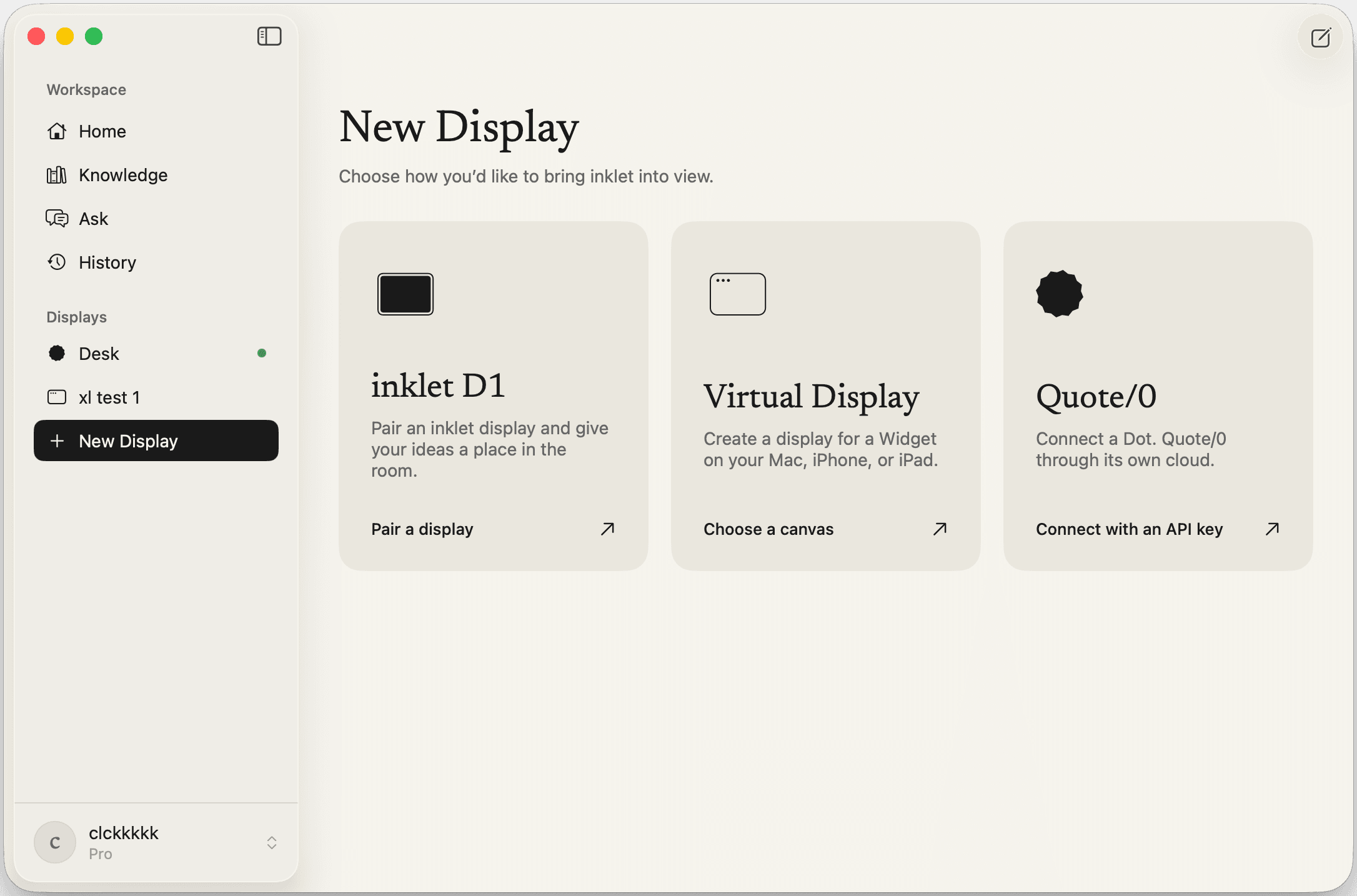
inklet D1
7.5-inch e-ink · 800×480Our own panel, made for the room it lives in, with months between charges. You claim it by tapping the NFC tag on its back with the inklet iPhone app. D1 is coming to Kickstarter.
About D1Virtual Display
Large or Extra Large widget on MacA canvas that lives on your desktop instead of a wall. Pick a size, add the widget, and inklet renders to it the same way it renders to paper. No hardware needed.
Dot. Quote/0
296×152 · through Dot. cloudAlready have a Quote/0? Connect it with a Dot. API key and its serial number, and inklet sends every card through Dot.'s cloud. The key is stored encrypted on our server, and you can revoke it in the Dot. app at any time.
About Quote/0
Ready to orchestrate your ambient life?
The native macOS app opens from any app with a shortcut or the Services menu, answers questions about what you saved with Pro, and puts Virtual Displays on your desktop as widgets. It runs on macOS 15 and later. The web dashboard works everywhere. The iOS app, with display pairing, is coming soon.